

What is Technology Vocabulary?
Technology is about machines and devices that help us in daily life. We use technology for work, school, fun, and communication.
Learning words for technology is important for A1 English. It helps you talk about things you see and use every day. You can describe what you do with your phone or what you need for your studies.
🎓 Learn English with the Blended method
Small groups · 24/7 AI Tutor · Cambridge preparation
Plans from $39 $79 per month
Common Technology Words You Need to Know
Here are some essential technology words. Look at each word, its simple meaning, and an example sentence.
-
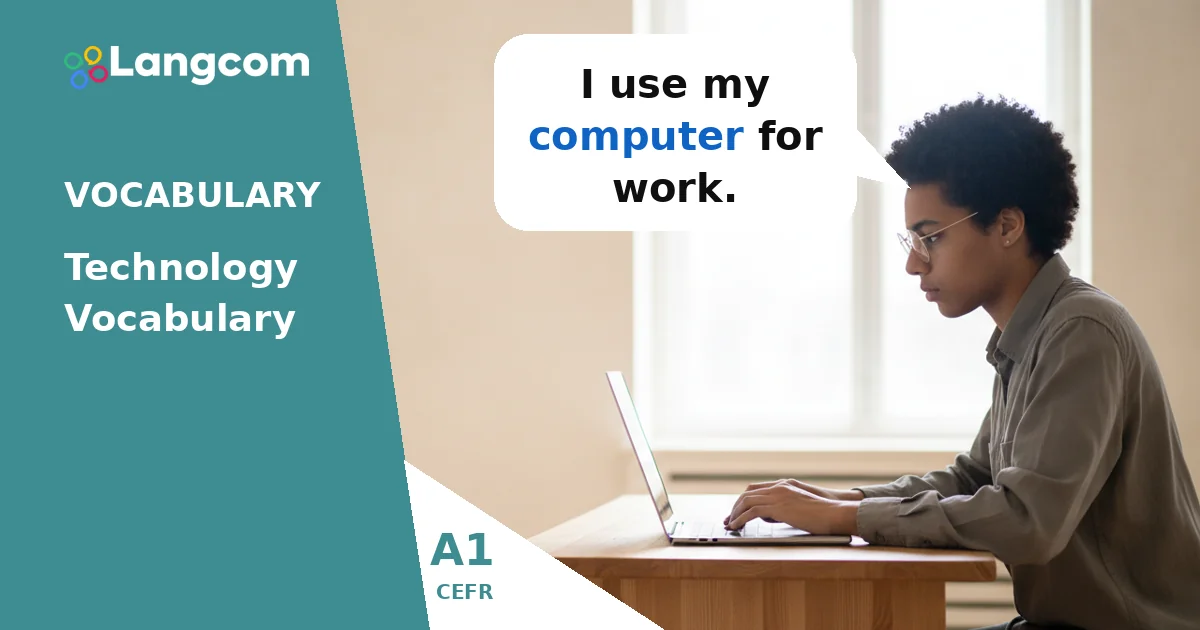
Computer: A machine for working, playing games, and finding information.
Example: I use my computer for work.
-
Laptop: A small computer you can carry easily.
Example: My laptop is light, so I take it to the cafe.
-
Smartphone: A phone that can do many things, like take photos, go online, and send messages.
Example: I check my email on my smartphone.
-
Tablet: A flat, portable computer with a touchscreen. It is bigger than a smartphone but smaller than a laptop.
Example: My daughter watches cartoons on her tablet.
-
E-reader: A device for reading digital books.
Example: I read many books on my e-reader.
-
Camera: A device for taking photos or videos.
Example: She has a new camera for her vacation.
-
Printer: A machine that puts text or pictures from a computer onto paper.
Example: I need to print this document with the printer.
-
Keyboard: The part of a computer with letters and numbers you press to type.
Example: My keyboard is black and white.
-
Headphones: A device you wear on your ears to listen to music or sounds privately.
Example: I listen to music with my headphones.
-
Satnav: A device or system that shows you how to get to a place using satellite signals. It is short for ‘satellite navigation’.
Example: We used the satnav to find the restaurant.
| Word | Meaning |
|---|---|
| Computer | A machine for working, playing games, and finding information. |
| Laptop | A small computer you can carry easily. |
| Smartphone | A phone that can do many things, like take photos and go online. |
| Tablet | A flat, portable computer with a touchscreen. |
| E-reader | A device for reading digital books. |
| Camera | A device for taking photos or videos. |
| Printer | A machine that puts text or pictures from a computer onto paper. |
| Keyboard | The part of a computer with letters and numbers you press to type. |
| Headphones | A device you wear on your ears to listen to music or sounds privately. |
| Satnav | A device or system that shows you how to get to a place using satellite signals. |
Examples
- I use my computer for work.
- My laptop is light, so I take it to the cafe.
- I check my email on my smartphone.
- My daughter watches cartoons on her tablet.
- I read many books on my e-reader.
- She has a new camera for her vacation.
- I need to print this document with the printer.
- My keyboard is black and white.
- I listen to music with my headphones.
- We used the satnav to find the restaurant.
Practice
💬 Need personalized guidance?
As an Authorized Cambridge Preparation Centre, we can guide you to the right course and certification. Chat with our advisors today.
Chat with an Advisor on WhatsAppCommon mistakes for Spanish speakers
Sometimes, learners confuse similar words or use Spanish words instead of English ones.
-
Computer vs. Laptop: A laptop is a type of computer that you can carry. A computer can also be a big desktop model that stays in one place.
-
Smartphone: In Spanish, you might say ‘celular’ or ‘móvil’. In English, smartphone is the most common word for a modern phone with many functions. While mobile phone is also correct, smartphone is more specific.
-
Using ‘ordenador’: Remember to use computer or laptop in English, not ‘ordenador’.
Frequently asked questions
Why is technology vocabulary important for A1 English learners?
It is important because technology is part of daily life. Knowing these words helps you talk about common devices like your smartphone or computer, and understand simple conversations about them.
What is the difference between a laptop and a computer?
A laptop is a type of computer that is small and portable, so you can carry it easily. A computer is a general word for the machine, which can also be a larger desktop model.
What is a satnav?
A satnav is a device or system that uses satellites to show you directions and help you find places when you are driving or walking. It is short for ‘satellite navigation’.


0 Comments